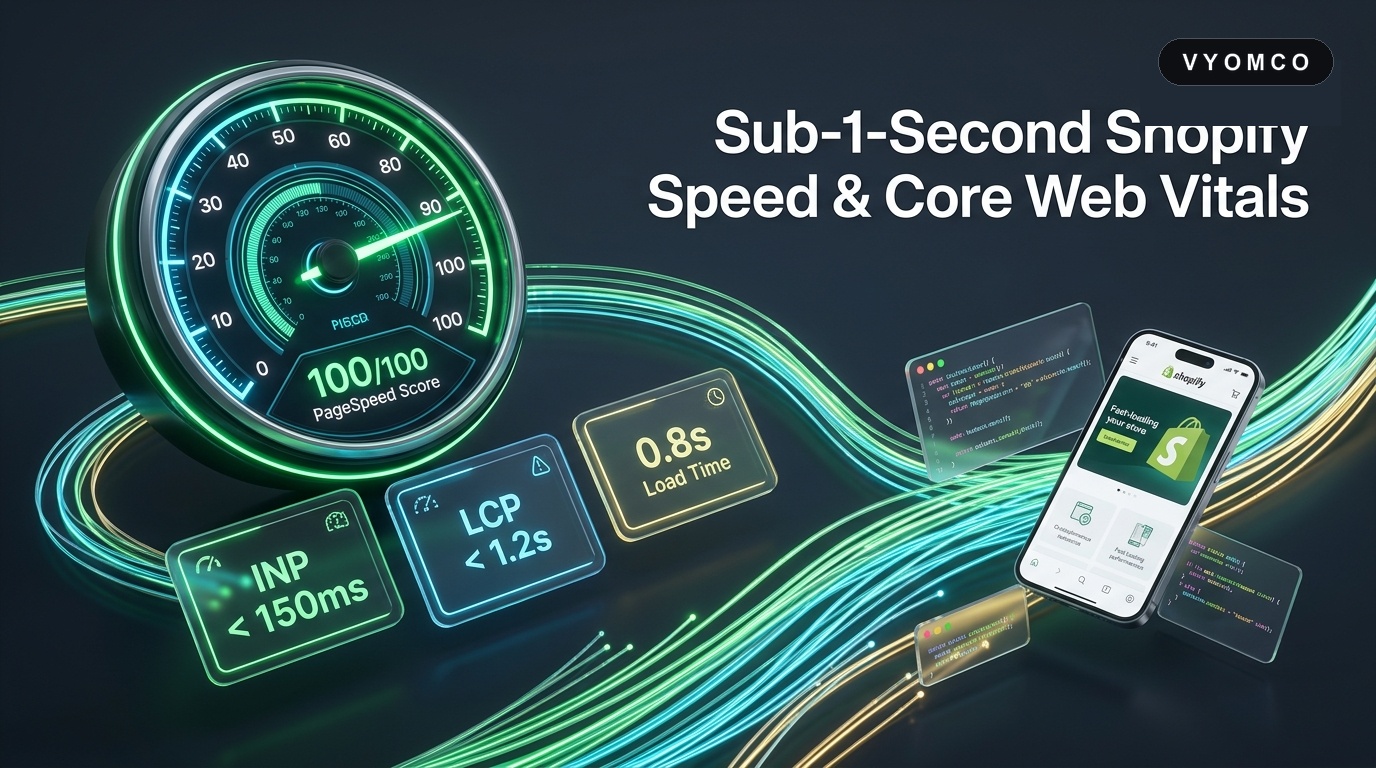
The Commercial Economics of Sub-1-Second Storefronts
The relationship between ecommerce load times and top-line sales is mathematical, repeatable, and universally documented across thousands of tests:
- Amazon famously quantified that every 100ms of additional page load latency cost them 1% in retail sales.
- Google benchmarks demonstrate that mobile bounce rates increase by 123% when page load time expands from 1 second to 5 seconds.
- Walmart discovered that every 1-second improvement in mobile load speed yielded up to a 2% increase in checkout conversions.
For a Shopify store generating £5,000,000 annually, a drop from a 3.4-second load time down to 1.1 seconds frequently unlocks £250,000–£500,000+ in newly captured gross revenue without spending an additional penny on Meta or Google Ads.
Google's 2026 Core Web Vitals: What Really Matters for Shopify
Google evaluates site performance through three primary real-user field metrics (CruX data). Failing any one of these directly penalizes your organic search ranking and Quality Score in Google Ads:
| Metric | What It Measures | Good Threshold | Primary Shopify Bottleneck |
|---|---|---|---|
| LCP (Largest Contentful Paint) | How fast the main hero banner or primary product image displays | ≤ 2.5s (Target < 1.2s) | Lazy-loading hero images, uncompressed PNGs, web font rendering delays |
| INP (Interaction to Next Paint) | How responsive the page feels when a user clicks 'Add to Cart', variant swatches, or mobile hamburger menus | ≤ 200ms (Target < 100ms) | Long-running JavaScript tasks, third-party marketing tags blocking the main thread |
| CLS (Cumulative Layout Shift) | Visual stability (elements jumping around while loading) | ≤ 0.1 (Target 0.00) | Images without explicit width/height dimensions, announcement banners injecting dynamically |
Mastering INP: How to Fix Interaction Lag on Shopify
Interaction to Next Paint (INP) is the most challenging metric for Shopify brands. When a customer taps a variant button or the cart slide-out, the browser's main thread is often frozen processing analytics scripts (Meta Pixel, TikTok Pixel, Google Tag Manager, hotjar, reviews apps), creating an unresponsive freeze of 400ms–800ms.
To achieve sub-100ms INP across your catalogue:
- Yield to the Main Thread: Break up long JavaScript tasks using
requestIdleCallback()orscheduler.yield()so user taps and clicks process immediately. - Debounce Dynamic Variant Swatches: Do not re-render full DOM trees synchronously on every hover. Use lightweight CSS transitions and optimistic state updates.
- Isolate Third-Party Pixels: Move marketing pixels off the main thread into Web Workers via modern architectures like Partytown, preventing ad tags from stealing CPU cycles from buyer interactions.
The App Bloat Tax: How to Audit & Cleanse Your Storefront
Shopify makes installing apps dangerously easy. Over 18 months, an established store typically installs 20 to 35 apps. When an app is uninstalled from the admin, its backend API access is disconnected, but its JavaScript files and tracking snippets often remain embedded in your theme.liquid file forever.
Our 3-step app cleansing protocol:
- 1. Ghost Script Identification: We run network profile waterfalls in Chrome DevTools to trace all incoming JS requests back to their originating domain. Uninstalled app remnants are expunged from the Liquid theme codebase.
- 2. Tag Manager Consolidation: Instead of loading 10 separate scripts directly in
<head>, consolidate tags using server-side Google Tag Manager (sGTM) or Cloudflare Zaraz, cutting up to 1.5MB of client-side JavaScript execution. - 3. App Embed Blocks Migration: Replace legacy script injections with modern Shopify Theme App Extensions (App Embeds). App Embeds load conditionally only on relevant page templates, preventing a reviews app script from loading on your homepage.
Liquid Code Optimization & Reducing Server TTFB
Time to First Byte (TTFB) measures how quickly Shopify's servers can compile your Liquid theme and send the first byte of HTML to the customer's browser. While Shopify's hosting is globally cached, poorly written Liquid templates can delay TTFB by over 1,000ms.
Key Liquid optimization patterns deployed by Vyomco:
- Eliminate Nested Loops: Running a loop inside another loop (e.g. searching
all_productsinside a collection loop) creates O(n²) time complexity. Pre-build lookup objects using Shopify Metafields instead. - Replace
includewithrender: The legacy{% include 'snippet' %}tag passes the entire parent scope, creating massive memory bloat. The modern{% render 'snippet' %}tag operates in an isolated scope and is up to 5x faster to compile. - Avoid Global
all_productsQueries: Queryingall_products['handle']forces Shopify to pull large product records into memory. Use specific collection handles or metafield references to minimize server overhead.
Next-Gen Images, Web Fonts & Critical CSS
Assets account for over 70% of total page weight on ecommerce stores. Tuning your asset pipeline yields instant speed gains:
- Never Lazy-Load the LCP Hero Image: Developers often apply
loading="lazy"globally to all images. When applied to your main homepage hero banner or top PDP image, the browser delays downloading it until layout calculation is complete. The primary hero image must always usefetchpriority="high"andloading="eager". - Native WebP/AVIF Formatting: Use Shopify's native image filters (
| image_url: width: 1200, format: 'pjpg') combined with responsivesrcsetattributes so mobile devices receive 400px wide files rather than 2400px desktop originals. - Eliminate Web Font Flash (FOIT/FOUT): Self-host custom brand typography rather than loading from external Google Fonts servers. Add
font-display: swapto ensure text renders instantaneously with a system fallback while the custom font loads in the background.
Lazy Hydration: Deferring Non-Critical JavaScript
Not all page components need to be interactive the moment the page opens. By implementing Lazy Hydration, non-critical components (such as customer review carousels, Instagram feeds, FAQ accordions, and related product sliders) do not execute JavaScript until the user actually scrolls them into the browser viewport.
Using the native IntersectionObserver API, your initial page bundle drops from 800KB+ down to under 120KB, guaranteeing that your above-the-fold content renders in less than 800ms.
Headless Shopify vs. Optimized Liquid: Which Delivers Better ROI?
Many brands assume that going Headless (Hydrogen / Next.js) is the only way to achieve sub-second speeds. While Headless offers decoupled flexibility and infinite edge routing, it introduces significant operational complexity and higher development costs.
In our experience at Vyomco, 90% of Shopify stores can achieve a 90+ mobile PageSpeed score on native Liquid with proper code architecture, clean app management, and asset optimization, without the multi-six-figure investment of a full headless build. For stores with complex multi-region routing or native app requirements, explore our dedicated Headless Commerce Services.
30-Day Shopify Speed Optimization Roadmap
The structured optimization framework deployed across Vyomco enterprise client stores:
- Week 1: Comprehensive Performance Audit & CruX Baseline. Profile real-user metrics across mobile and desktop. Map all third-party script payloads and identify ghost code.
- Week 2: App Purge & Tag Manager Migration. Remove unused apps, migrate tags to server-side GTM / Cloudflare, and implement conditional app embeds.
- Week 3: Liquid Architecture & Asset Pipeline Refactor. Replace
includewithrender, eliminate nested loops, optimize hero LCP priorities, and self-host typography withfont-display: swap. - Week 4: JavaScript Lazy Hydration & INP Fine-Tuning. Implement
IntersectionObserverfor below-the-fold widgets, debounce variant swatches, and verify sub-100ms INP responsiveness.
Ready to turn your store into a lightning-fast conversion machine? Reach out to Vyomco's performance engineering team for a dedicated speed audit.